The Veson Platform › CoCaptain
AI that moves maritime forward
CoCaptain brings a new interactive AI experience to the workflows, data, and people that power your business.
CoCaptain creates a new way to work
CoCaptain combines maritime expertise, workflow awareness, and connected operational data to create a more intuitive and efficient way to work.
Designed for maritime
A foundation of maritime expertise
CoCaptain draws on Veson’s 20+ years of maritime and product expertise to deliver AI that understands the industry, the systems, and the context behind your work.

Understands maritime concepts and workflows
Reflects Veson product expertise
Designed around the way maritime teams work
AI where your data already lives
CoCaptain lives across the Veson Platform
CoCaptain connects to the data and workflows within IMOS and other Veson products you rely on to run your business. Because it pulls from the source of your operational data, your teams get answers grounded in the latest data without moving information into a separate tool.
No setup or integration to configure
Context aware of your location in IMOS, VesselsValue, Shipfix, and Q88
Transforms everyday work
Take the manual work out of the workflow
From finding information to completing tasks, CoCaptain helps teams get work done faster in the Veson Platform without doing it all themselves.
Makes complex workflows easier to navigate
Cuts down on repetitive steps from everyday tasks
Keeps users focused on higher-value decisions
What’s included?
Core CoCaptain is included for every IMOS user in the Veson Platform, with no separate license to manage and no role restrictions.

Free for IMOS clients
Available to every user
No new system to manage
A closer look at what CoCaptain does

Get answers from your data
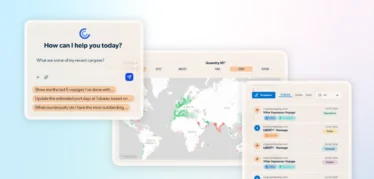
CoCaptain gives you a faster way to access the information already in IMOS and other Veson products, helping you reach what you need without leaving the workflow.

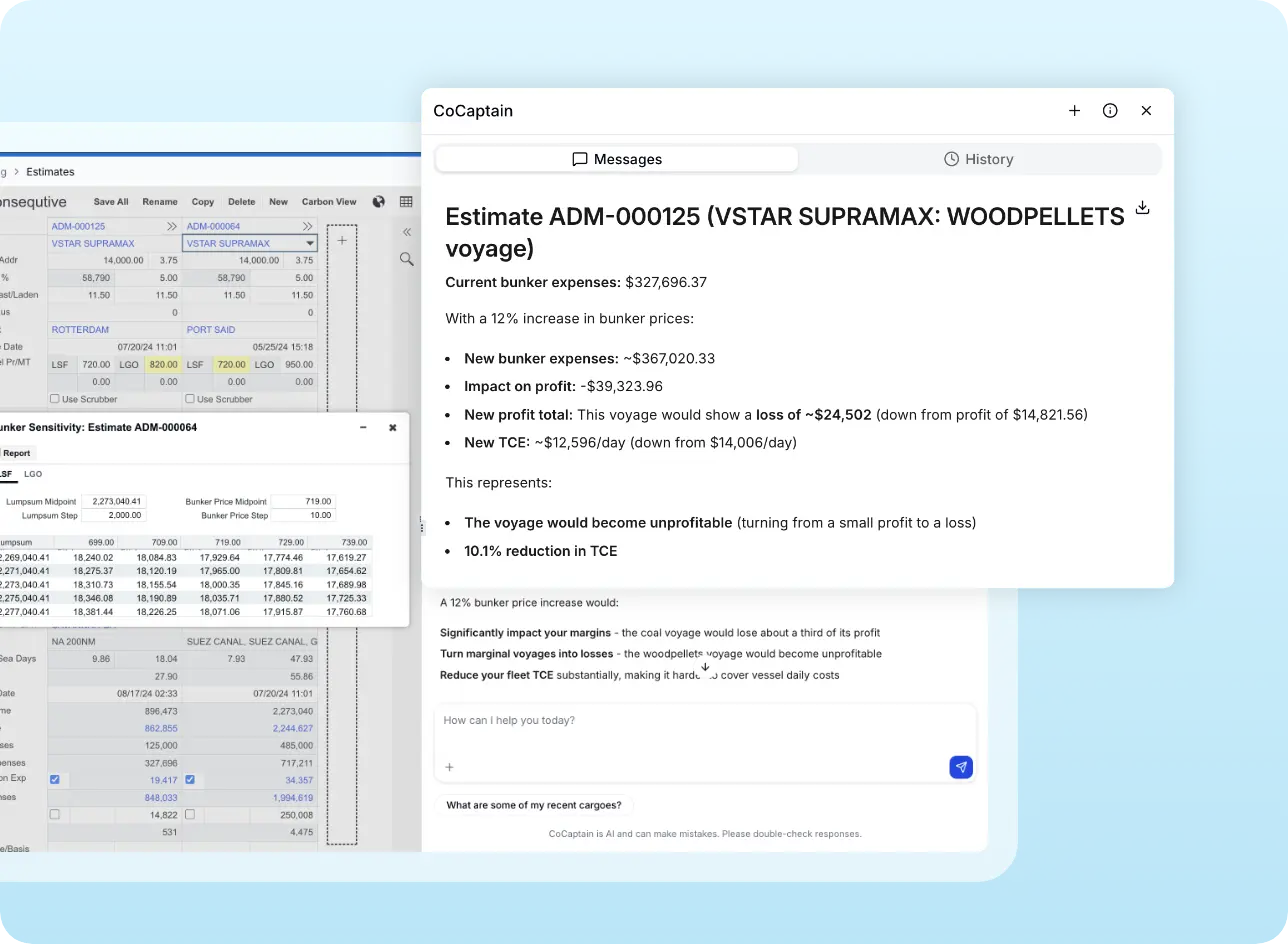
Chat in context with what you’re viewing
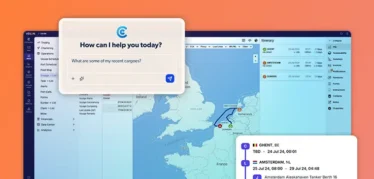
Open contextual chat tied to a specific voyage, cargo, claim, or other object. CoCaptain knows what you’re looking at.

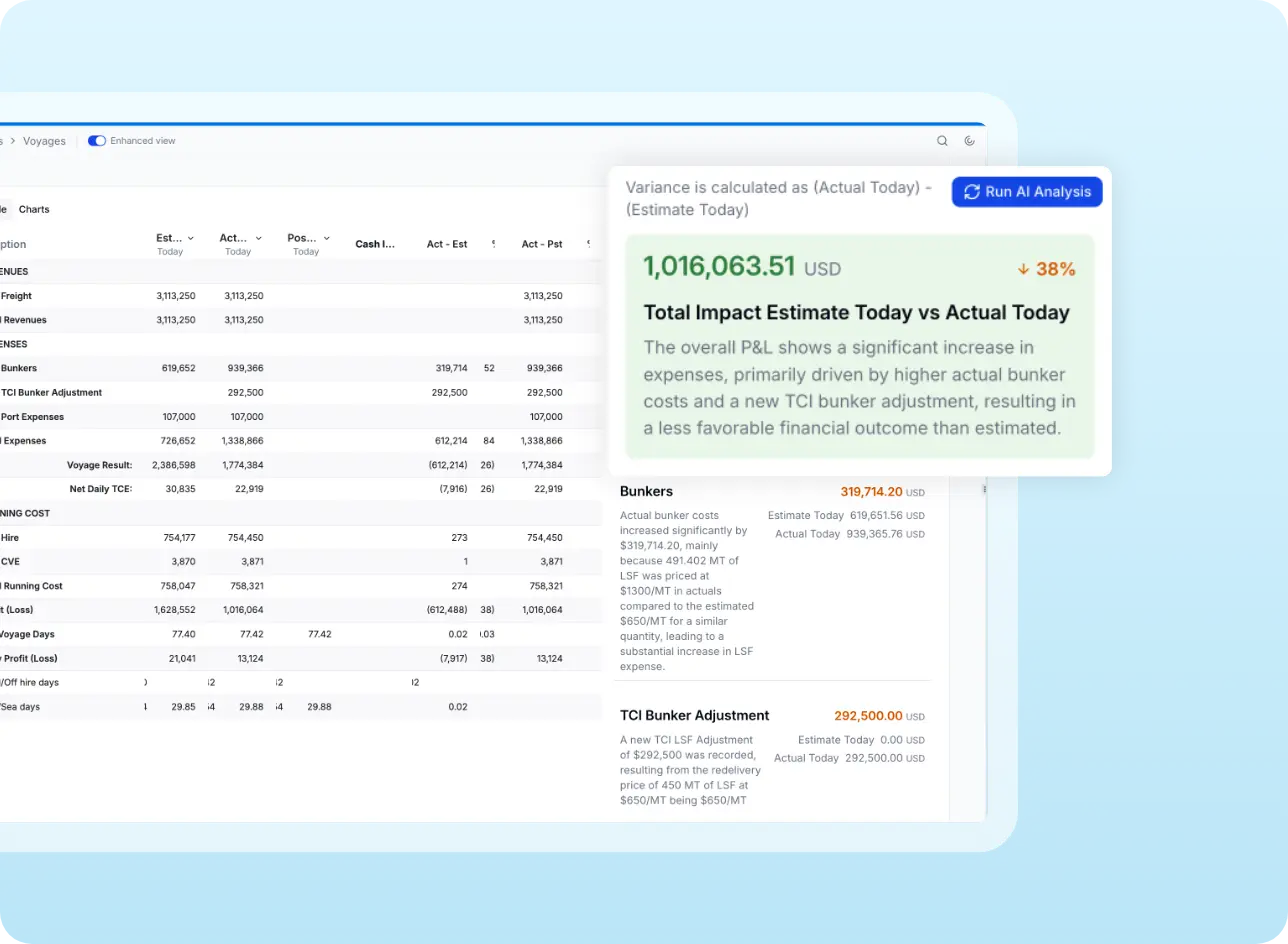
Run analysis without rebuilding the query
Targeted analysis like Voyage P&L Variance runs from inside the voyage itself, returning a structured breakdown.

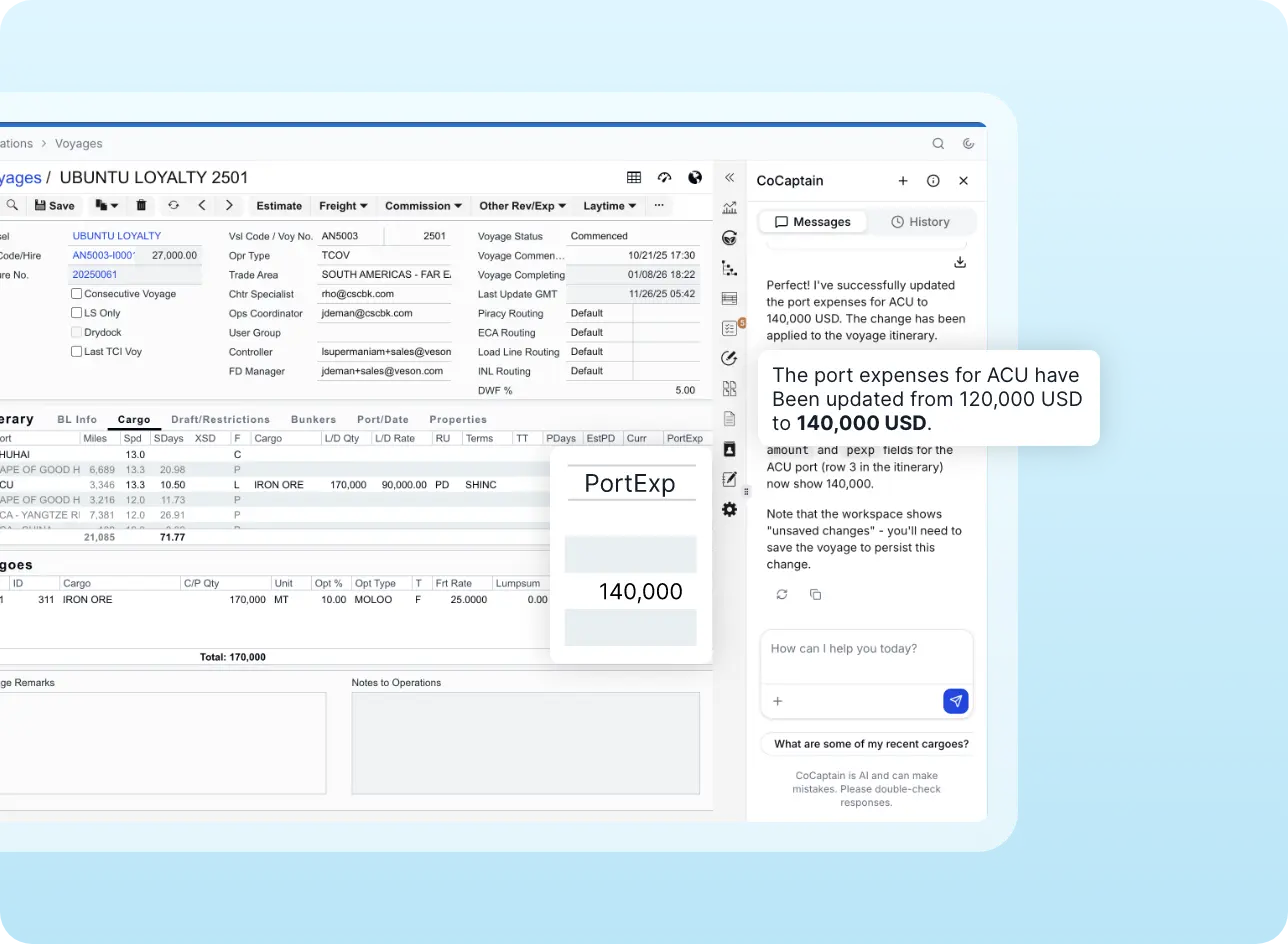
Update records directly through chat
Make changes to IMOS records in-context through chat, with confirmation before any change applies.

Respects existing security
CoCaptain operates within each user’s existing permissions — it only sees and acts on data the user is authorized to access.

Embedded inside the Veson Platform
Access CoCaptain alongside IMOS, Mail, and other Veson products with one platform experience.
Discover the power of CoCaptain with a custom demo.
Common questions about CoCaptain
General-purpose AI tools are powerful but they don’t know IMOS and they don’t have Veson’s 20+ years of maritime knowledge. CoCaptain is embedded in the Veson Platform and aware of what you’re viewing, so it can answer questions that produce fit-for-purpose answers faster and with fewer mistakes.
CoCaptain works across IMOS, VesselsValue, Shipfix Chartering & Trading, Q88, and Q88 Dry.
CoCaptain operates within each user’s existing security permissions. It only sees and acts on data the user is already authorized to access.
Yes. CoCaptain is the contextual AI layer across the Veson Platform, so a single prompt can pull together data from IMOS, VesselsValue, Q88, and Shipfix. That means you can ask about voyage and contract data or historical port calls in IMOS, search fleets and deals or manage portfolios in VesselsValue using natural language, look up individual vessels in Q88, and work with structured orders, tonnage, and fixture data in Shipfix.
Core CoCaptain is included for all IMOS users in the Veson Platform. Log in to the Veson Platform, open CoCaptain, and begin interacting. Contact your account manager or client success manager if you have any questions.
No, existing clients can start using CoCaptain across products today. Simply sign in once at app.veson.com, switch among the products tied to your account, and continue using the same subscriptions, permissions, and standalone product sites. No new account or password is needed when product accounts use the same email address.
Yes. When you open it on a record, it has context and answers grounded in that record.
Yes. You can have it handle a related task — like starting a bunker requirement for an upcoming port call — while you keep working on your current screen.