The Veson Platform › Connect
Connect the people, decisions, and workflows that move global trade
Communicate and collaborate with counterparties — from status updates to operational details — directly within the Veson Platform.
Where maritime collaboration comes together
Maritime runs on relationships, communication, and constant coordination. Every freight contract and voyage involves multiple stakeholders, each operating from their own systems and perspectives of events. Connect brings email, shared updates, and critical information into the flow of maritime work, so teams and counterparties can operate from the same picture.
Collaboration is easier when communication lives in one place

Everyone works from the same context
When cargo updates, voyage changes, and port-call information are shared in one place, internal teams and external counterparties stay aligned without having to rely on scattered email threads or separate portals to piece together what happened.

Communication meets your workflows
The context you need is right where you work. Communication and collaboration tools connect to the IMOS workflows where commercial teams manage their business.

AI-powered tagging
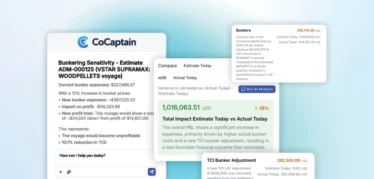
Automatically organize incoming communication with tags for vessels, ports, companies, people, and more.
Communication and collaboration inside the Veson Platform
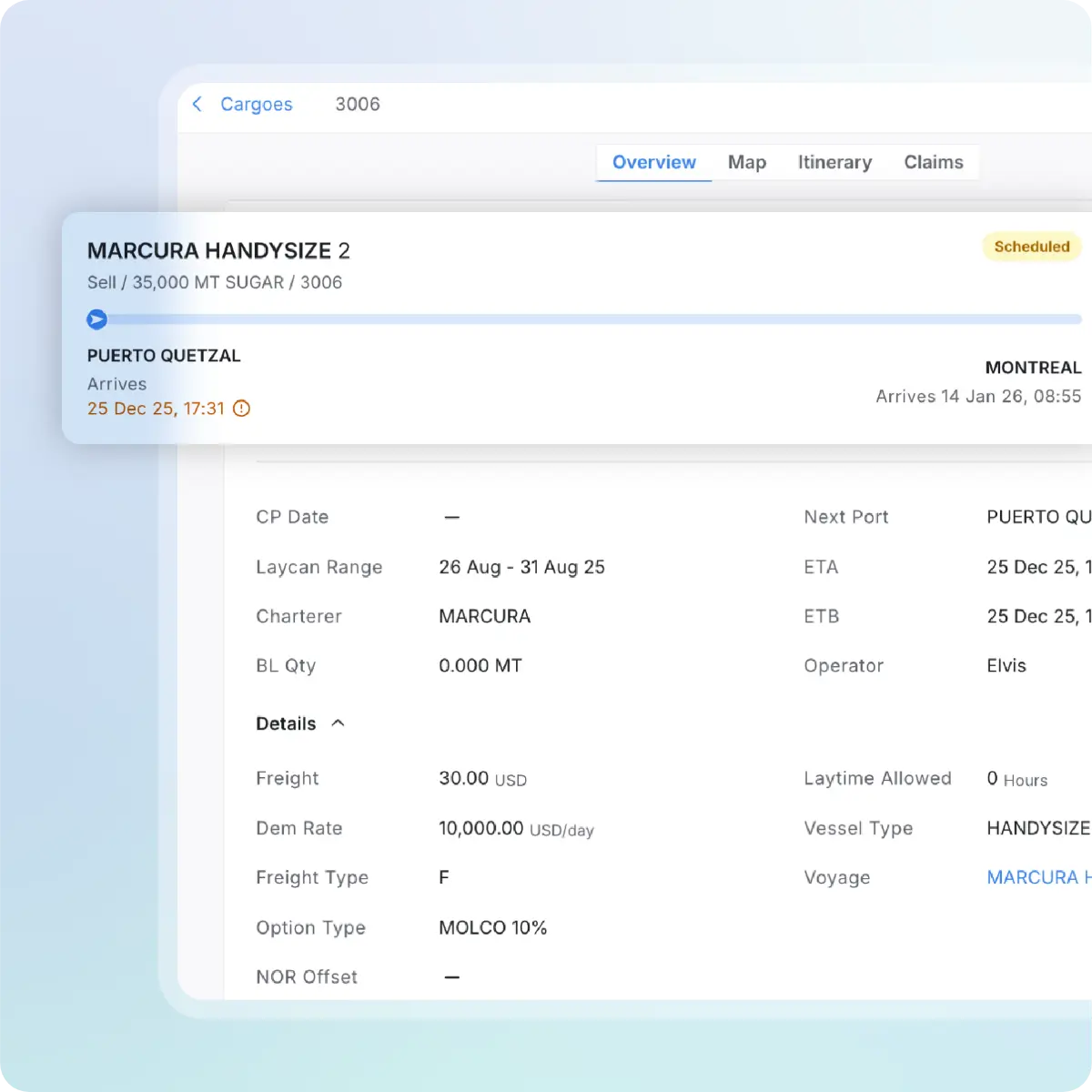
Share real-time cargo and voyage updates
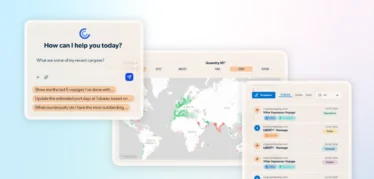
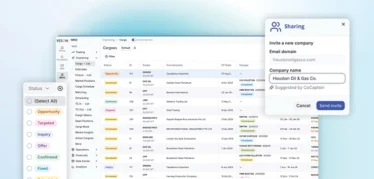
Distribute cargo updates, voyage milestones, ETA/ETD changes, and port calls directly from the enhanced view in IMOS to your counterparties.
Deliver a unified counterparty experience
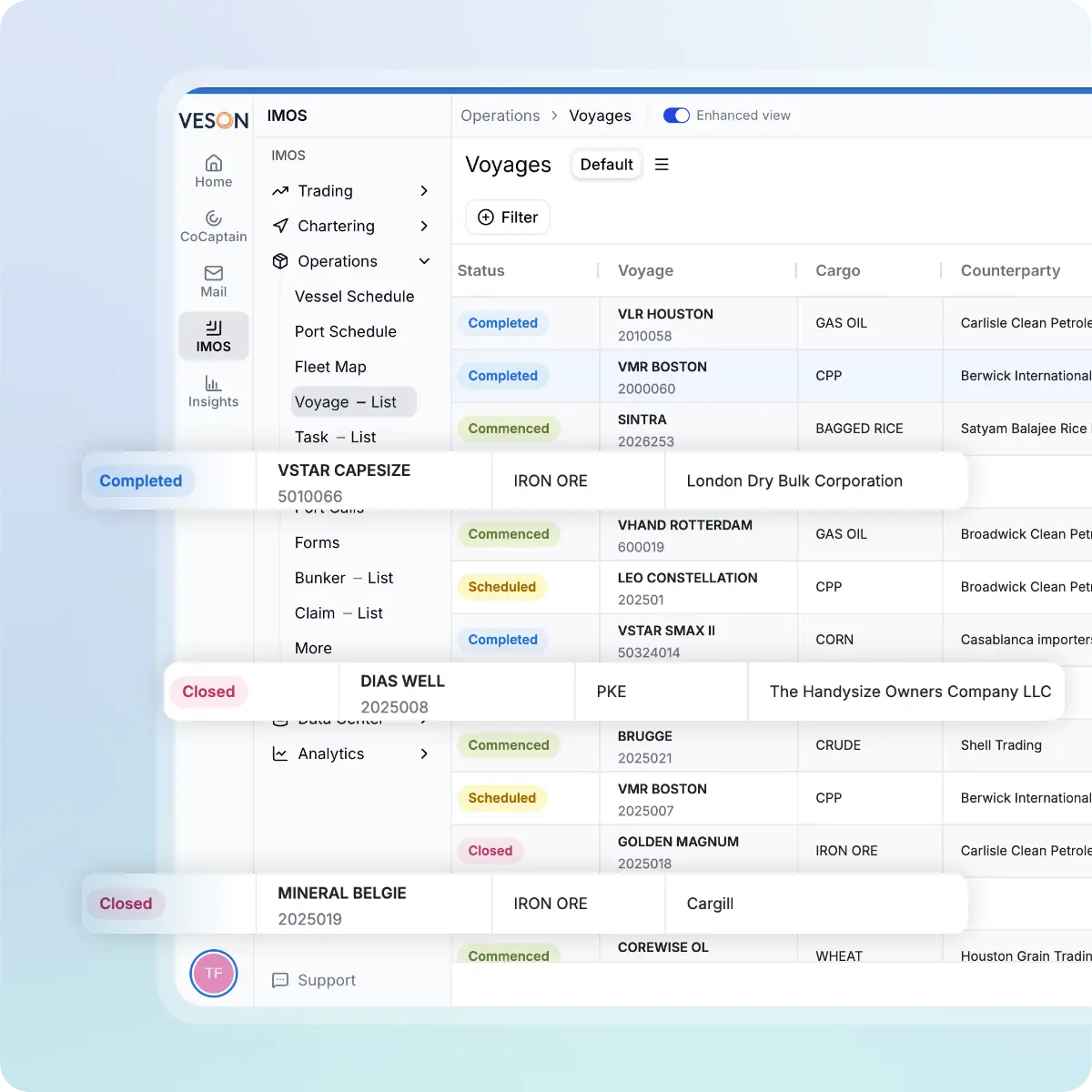
Create a centralized point of visibility across voyages and participating operators in a single interface. Replace fragmented portals and inbox threads with one consistent source of truth.
Increase operational efficiency through automation
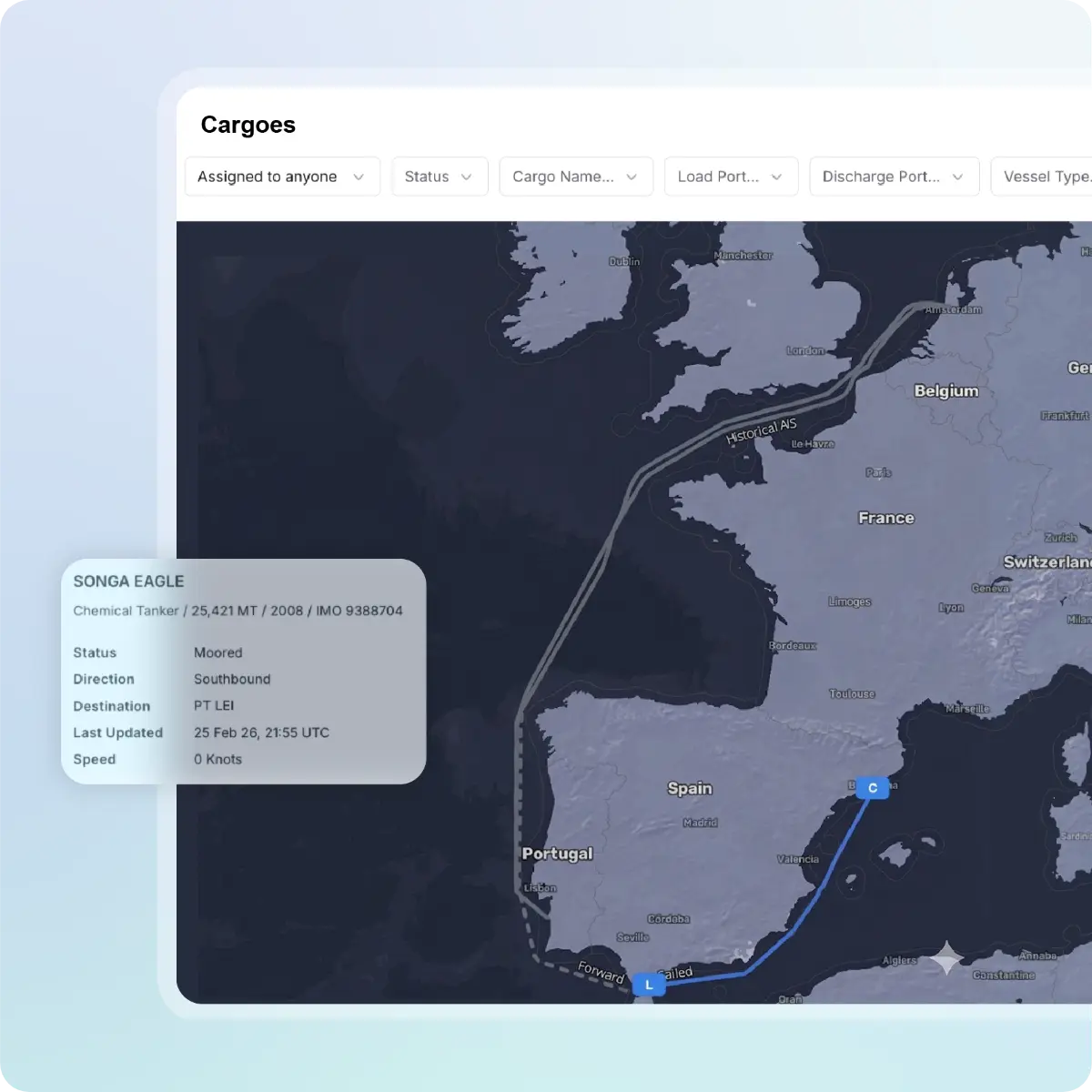
Free up operations team by automating routine updates and low-value administrative tasks. Reduce risk of human error while enabling teams to focus on exception management, demurrage exposure, and strategic decision-making.
Your maritime inbox, built into where you work
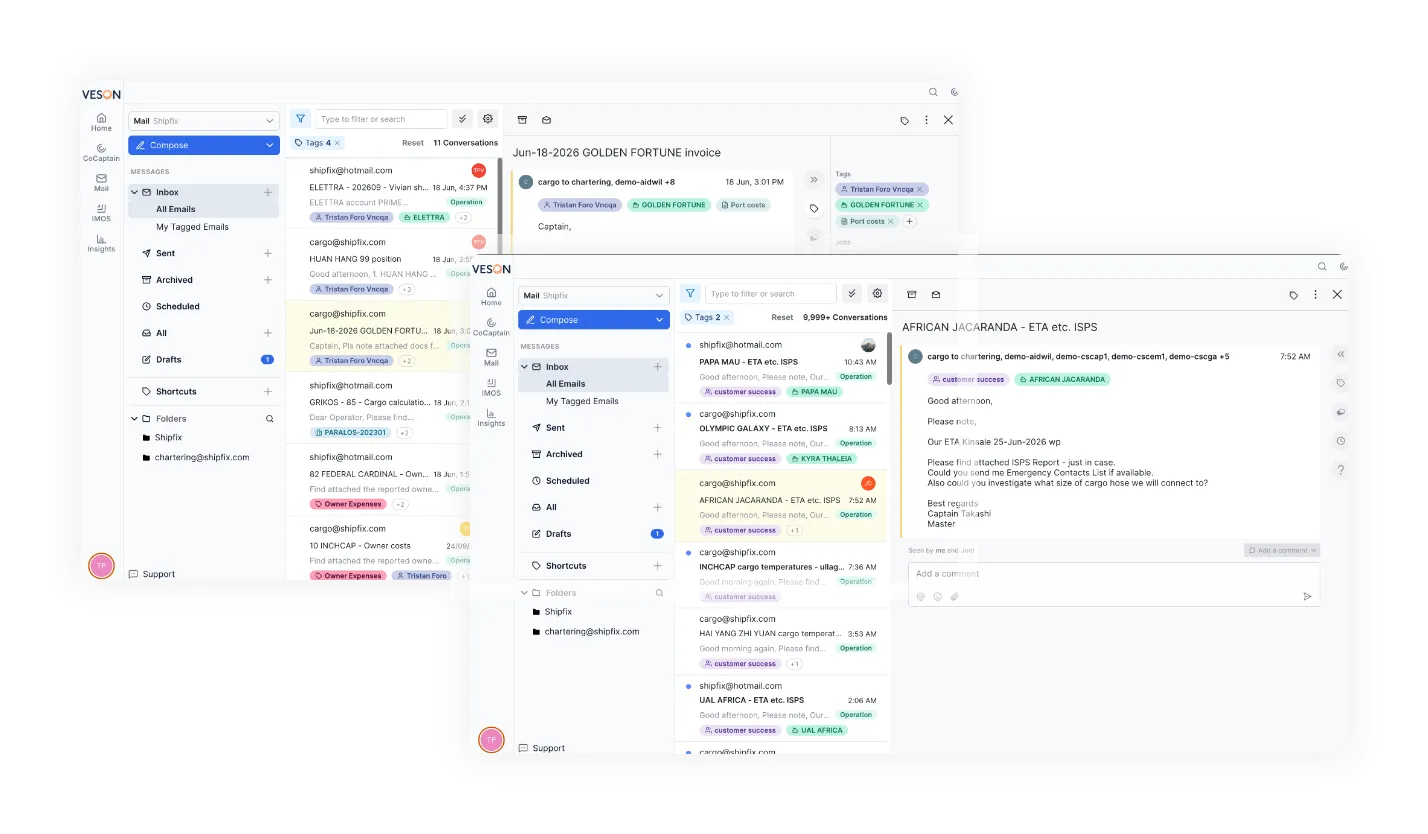
AI-powered email built directly into the Veson Platform. Mail helps teams manage communication in the same environment as their workflows, closer to the data they already use in IMOS.
Ready to see Connect?
Discover how Connect helps maritime teams bring communication, collaboration, and operational updates into the Veson Platform. Request a custom demo or reach out to your Veson representative.
Frequently asked questions on Connect
Connect brings together collaboration capabilities in the Veson Platform to help maritime teams and counterparties exchange information around operational work.
If you are already an IMOS client, please contact your Veson Account Manager, who will help you get set up.
If you are not yet an IMOS client, request a demo via the form below to learn more about the benefits of IMOS on the Veson Platform.
Ask your counterparty to start sharing with you. If you haven’t setup your account yet they can invite you to join the Veson Platform to receive updates.
When they share a record, they will enter your email and click invite. The record will be shared, an organization will be created, and you’ll receive an invitation to sign up, after which you can immediately view the data you shared.
If you already have an account then you’ll automatically receive updates in your workspace within the Veson Platform.
Once you are logged into the Veson Platform, navigate to IMOS and go to your cargo list or voyage list. Activate the toggle that says “Enhanced view” you will then be able to see cargo and voyages that have been shared with you.
Your counterparty will only see the records — cargoes, voyages, port calls — that you decide to share with them.
Yes, you can stop sharing updates with any counterparty you’ve previously shared updates with.
Yes. Organizations that use IMOS can share cargo, voyage, and port-call updates with non-IMOS counterparties.
No, counterparties can receive the updates you share with them for free.
When you begin sharing with any counterparty the recipients receive an email notification with a direct link to open the data in the Veson Platform.
Afterwards, all updates will appear directly within the Veson Platform.